Introduction to Class structure & Working with class group / Work poolUnderstanding Object Storage
➢ Types of Classes ➢ Creating Abstract Class ➢ Creating Concrete Class ➢ Selecting Class Structure
Introduction to Data model
➢ Creating Data Tables ➢ Types of Properties & Models ➢ Creating Properties ➢ Change the Appearance of a property ➢ Create Embedded Properties
Introduction to User Interface and Form Design
➢ Create a Section ➢ Create a Section Containing Multiple Layouts ➢ Adding a Section to a Flow Action ➢ Calling another Section in a Section ➢ Selecting the Layout ➢ Creating Flow Action ➢ Creating Harness
Introduction to Process Definition
➢ Different Shapes used in Flow & their purpose ➢ Create Main Flow/Process flow ➢ Create a Sub-flow/Screen flow ➢ How to run the flow or creating work object ➢ Create Tabbed/Tree navigation Screen Flow ➢ Call a Sub-flow from another flow or from same flow ➢ Design and Implement Screen flow ➢ How to select Screen flow types
Advanced UI
➢ Create a Dynamic Select Control ➢ Repeat Layout (Row/Column) ➢ Conditionally display a Section
Activities and Methods
➢ Explain the purpose of different taps in Activity ➢ Understand purpose of Pages & Classes ➢ Different Methods used in Activities ➢ How to call Activity from another activity ➢ Different ways to call Activities ➢ Types of Activities
Validations
➢ Types of Validations ➢ Rule-Edit-Validation ➢ Rule-Obj-Validation ➢ Constraints ➢ Difference between Rule-Edit-Validation and Rule-Object-Validation ➢ Difference between ROV & Constraints
Decision Rules
➢ Decision Table ➢ Decision Tree ➢ Calling Decision Rules in Flow ➢ Calling Decision Rules in Expressions
➢ Create an Activity with a precondition and a Transition ➢ Create an Activity to populate a Dynamic Select ➢ Creating Activity for Calling SOAP Services
Assigning the Work
➢ Introduction on Routing ➢ To Work List ➢ To Work Basket
SLA (Service Level Agreements)
➢ Define an SLA ➢ Assigning SLA to Assignment ➢ Testing SLA
Work Parties
➢ Creating Work-Party ➢ Adding Work-Party to Flow
Debugging Tools
➢ Clipboard ➢ Tracer ➢ Preflight ➢ Brace ➢ PAL
Section
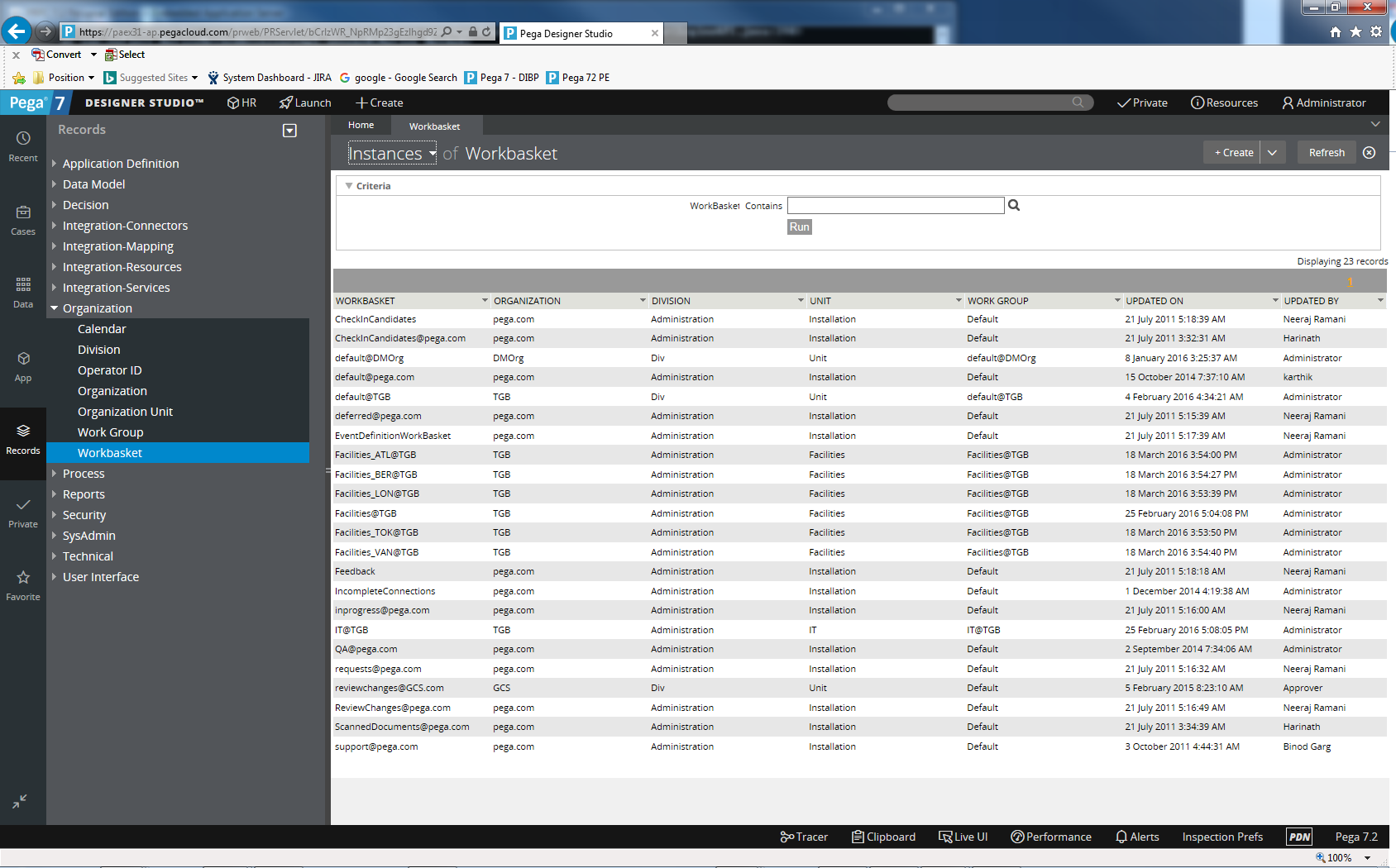
➢ Check-in/Check-Out Functionality ➢ How to Send a Correspondence (E-mail) ➢ Configuring E-mail (Inbound/Outbound) ➢ Creating Work Group/Work Basket ➢ Agents ➢ Reports ➢ Migration/Deployment (Import & Export) ➢ Documenting the Application ➢ Connecting to External Database Using Connect-SQL ➢ How to Use Dynamic SQL When Connecting to External DB ➢ Configuring Web Services (SOAP) ➢ Integration Connect & Service SOAP ➢ New Features in Pega 7 ➢ Difference between Versions ➢ PRPC Guardrails ➢ Direct Capture of Objectives ➢ Project Implementation Methodology
➢ Spark Databox PEGA Certification ➢ Interview Preparation ➢ Mock Interviews ➢ Resume Preparation ➢ Knowledge Sharing with Industry Experts ➢ Counseling to Guide You to the Right Path in a PEGA Career
Added Features
➢ Resume Preparation ➢ Resume Preparation Tips ➢ Sample Resumes ➢ Soft Copy of Notes for Each Module ➢ 4 Case Studies on Use Case Diagrams ➢ 2 Real-Time Project Specifications
Interview Preparation
➢ Interview Preparation Tips ➢ Sample Interview Questions ➢ How to Clear an Interview